
Plenty of employees learn military time by accident, on their first Friday, staring at a card full of numbers like 0758, 1202, 1232 and 1705 and a paycheck that depends on reading them right. Punch clocks stamp in 24-hour time for a practical reason: the machine cannot ask which 7 o'clock you meant, and a card holds a whole day of punches that all have to explain themselves. The good news is that a punch card uses only a small corner of the system - your shift's hours - and those become familiar within a week.
Reading the four punches on a card
A standard day on a punch-clock card has four stamps: in, lunch out, lunch in, out. In military time a typical day shift reads like this: in at 0758, lunch out at 1202, lunch in at 1232, out at 1705. Converted, that is 7:58 AM, 12:02 PM, 12:32 PM and 5:05 PM. The morning punches need no conversion at all - under 1200, the digits are the AM time with a leading zero. The afternoon punches each need 12 subtracted from the hour: 17 becomes 5 PM.
The lunch pair is worth a second look. Lunch out at 1202 is just past noon, and lunch in at 1232 is 30 minutes later - the 12 in both of them is the noon hour, which stays 12 and takes PM. New card readers sometimes subtract 12 from a lunch punch and conclude they ate at 12:02 AM. The rule protects you: only hours 13 and above get the subtraction. Hours of 12 and below convert by simply reading them.
Totaling a day without converting first
Here is a trick that makes punch cards much less intimidating: you do not have to convert a day to AM and PM before totaling it. Work inside military time. The span from first punch to last is the out hour minus the in hour, with the minutes handled by borrowing, exactly like regular subtraction. 1705 minus 0758: the minutes need a borrow, so it becomes 16:65 minus 07:58, giving 9 hours 7 minutes. Then take the lunch span off the same way: 1232 minus 1202 is 30 minutes. 9 hours 7 minutes minus 30 minutes is 8 hours 37 minutes of paid time.
Converting first and totaling second gives the same answer - 5:05 PM minus 7:58 AM is the same 9 hours 7 minutes - so use whichever order your brain prefers. What you must not do is mix the two on the same row, converting one punch and not the other. And when the week is long or the card is messy, skip the hand work entirely: our time card calculator takes the punches as they come and returns day totals, the week total, overtime and gross pay. If a punch looks wrong before you even total it, the military time converter will tell you what moment it actually describes.
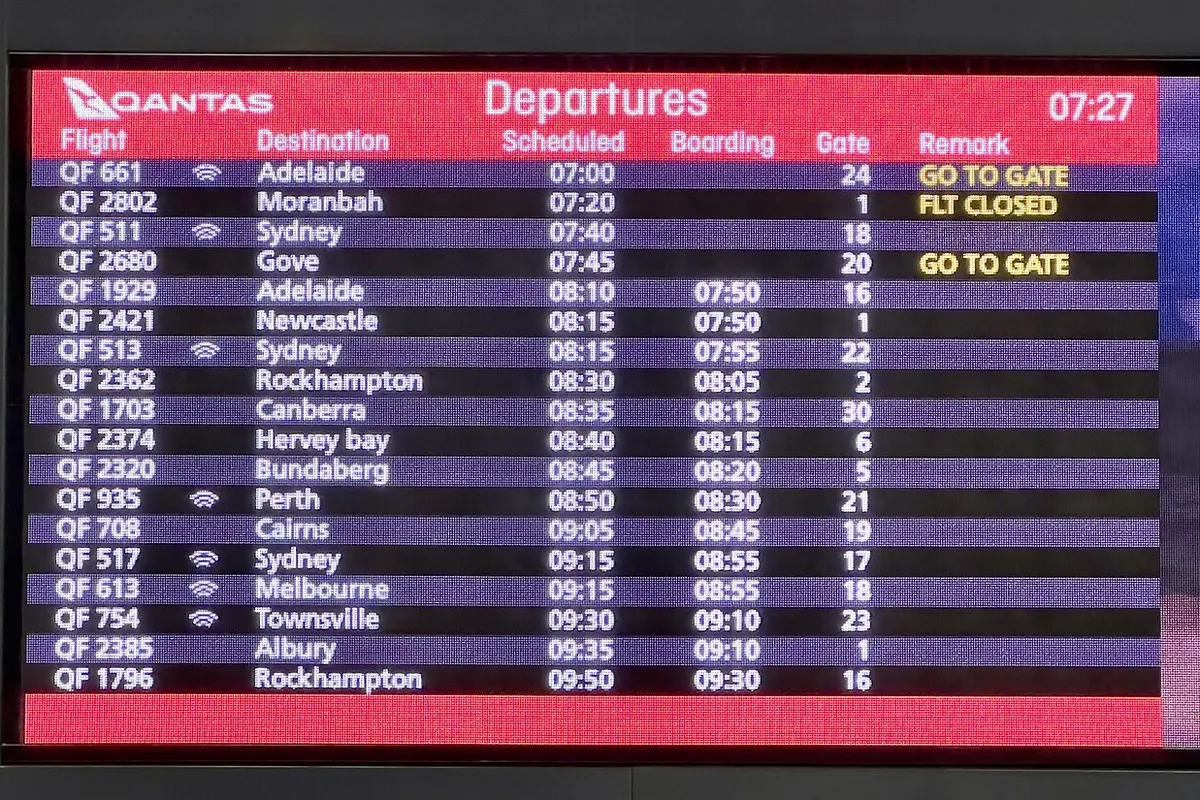
Overnight cards, where military time earns its keep
Night work is where the 24-hour stamp stops being a quirk and starts being the only sane option. An overnight card reads in at 2200 and out at 0600. In AM and PM that is 10 PM to 6 AM, and the day boundary sits in the middle of the shift. In military time the shape of the shift is obvious: the count climbs to 2359, rolls to 0000, and keeps going to 0600, for a span of 8 hours. The out punch is smaller than the in punch, which is your signal that midnight fell inside the shift.
Two habits keep overnight cards clean. First, the row belongs to the day the shift started, even though half the hours land on the next date - payroll systems and paper cards both work this way. Second, a punch stamped exactly 0000 belongs to the boundary, and which day claims it follows your employer's rule; if your card ever shows one, ask once and write the answer on the card for next time. Overnight totals are the ones most worth double-checking, and the homepage time calculator handles spans that cross midnight without any special setup.
Spotting a wrong punch before payroll does
Because military punches are pure numbers, the common card errors have a recognizable shape. A punch in the 2400s or with minutes above 59 - 2475, 1260 - is not a time at all; it is a mis-stamp or a handwriting slip and should be raised the same day. A lunch pair where the in punch is smaller than the out punch, like out at 1230 and in at 1205, means one of them was stamped in the wrong column or the clock was misaligned. An out punch identical to the in punch usually means a missed punch that someone filled with a copy.
The defense is the same one good card users have always had: photograph the card weekly, total it yourself before you hand it in, and query anything odd while the shift is still in living memory. A punch clock is a witness, but it is a witness that only speaks in four-digit numbers - this guide and a weekly photo make sure you can translate what it said. If a stamp is legible but confusing, such as an hour you do not recognize at all, run it through the military time converter to see exactly what moment it describes before you query it with payroll.
Frequently asked questions
Why do punch clocks print in military time?
Because a punch clock cannot ask you whether you meant AM or PM. A stamp that just said 7:00 would be useless on a card with a morning punch in and an evening punch out. The 24-hour stamp makes every punch self-explanatory, which is why most mechanical and digital clocks are set to military time at the factory.
My card shows in at 0758 and out at 1705. How long did I work?
From 0758 to 1705 is 9 hours 7 minutes, before lunch is taken off. The easy way to see it: 1705 is 5:05 PM, and 7:58 AM to 5:05 PM is 9 hours 7 minutes. Subtract your unpaid lunch - 30 minutes would leave 8 hours 37 minutes of paid time.
What does a punch of 0000 on my card mean?
A punch at exactly midnight, the boundary between two days. On a time card it usually belongs to an overnight shift: either the shift that started the evening before is still running, or a new shift starts at midnight. Check which day row it sits on, because that decides which day gets the hours.
Can a punch clock be set to 12-hour time instead?
Many digital clocks can, but most employers leave them on 24-hour time on purpose. A 12-hour stamp needs an AM or PM mark beside it, and on a narrow paper card that mark is the first thing to smudge, misalign or get cut off. The 24-hour stamp carries the whole answer in the digits.
How do I check a week of military-time punches quickly?
Convert the in and out punches day by day (subtract 12 from any hour over 12), take lunch off each day, and add the days up. Or enter the punches into a time card calculator that accepts them as they are and returns day totals, the week total and overtime in one pass.
Johnson Ramzan builds and maintains every calculator on Time Calculator Tools himself, and he tests each one against worked examples he has done by hand before it is allowed near a reader. His guides follow US Department of Labor guidance on hours worked, overtime and rounding, and he writes them the way he would want a payslip explained to him: plain English, real numbers, and no step skipped. When a reader writes in with a shift pattern the tools handle badly, fixing it goes to the top of his list.
Last updated: November 15, 2026
Related guides
How to Add and Subtract Hours in Military Time
Adding a shift length to a 24-hour start time, and taking a break back off, without the minutes overflowing.
Read the guideHow to Convert Military Time for Payroll
From punches to paycheck: decimal conversion, rounding rules and totals, in payroll order.
Read the guideHow to Read Military Time: A Beginner Guide
The beginner version of the whole system, with a five-question practice set.
Read the guideMilitary Time in Excel and Google Sheets
When the card becomes a spreadsheet: the formats and formulas that keep 24-hour punches adding up.
Read the guide